
Roundup
Best Rolling TV Stands (2026)
We compared popular rolling TV stands on the four things that decide whether a cart works for you: TV size range, weight rating, shelf and tilt. Below you will find a quick comparison table, then a short review of each cart.
Quick answer
- Best overall for 55 to 65 inch TVs: BONTEC Rolling TV Stand with Tilt
- Best for 70 to 84 inch TVs: Perlegear 32-84 inch cart
- Best with a laptop shelf: VIVO Mobile TV Cart
- Highest weight rating: Heavy-duty 32-85 inch cart
Rolling TV stand comparison
| Model | TV size | Capacity | Shelf | Tilt | Buy |
|---|---|---|---|---|---|
| BONTEC Rolling TV Stand with Tilt | 23-65 in | 88 lbs | Yes | Yes, up to 10° | Amazon |
| PERLESMITH Rolling TV Stand with Shelf | 23-65 in | 99 lbs | Yes | Yes | Amazon |
| Perlegear Rolling TV Stand (32-84 in) | 32-84 in | 120 lbs | Yes | Not listed | Amazon |
| PERLESMITH Rolling TV Stand (32-83 in) | 32-83 in | 110 lbs | Yes | Yes | Amazon |
| VIVO Mobile TV Cart with Laptop/DVD Shelf | 32-83 in | 110 lbs | Yes (laptop/DVD) | Yes | Amazon |
| Heavy-Duty Rolling TV Stand (32-85 in) | 32-85 in | up to 187 lbs (see listing) | Yes | See listing | Amazon |
| Perlegear Rolling TV Stand (32-85 in, 154 lbs) | 32-85 in | 154 lbs | Yes | See listing | Amazon |
| BONTEC Heavy Duty Rolling TV Stand (32-75 in) | 32-75 in | heavy duty (see listing) | See listing | See listing | Amazon |
Specs are taken from the manufacturer listings on Amazon at the time of writing. Capacities and sizes can differ between versions, so check the product page before ordering.
The best rolling TV stands, reviewed
BONTEC Rolling TV Stand with Tilt Review
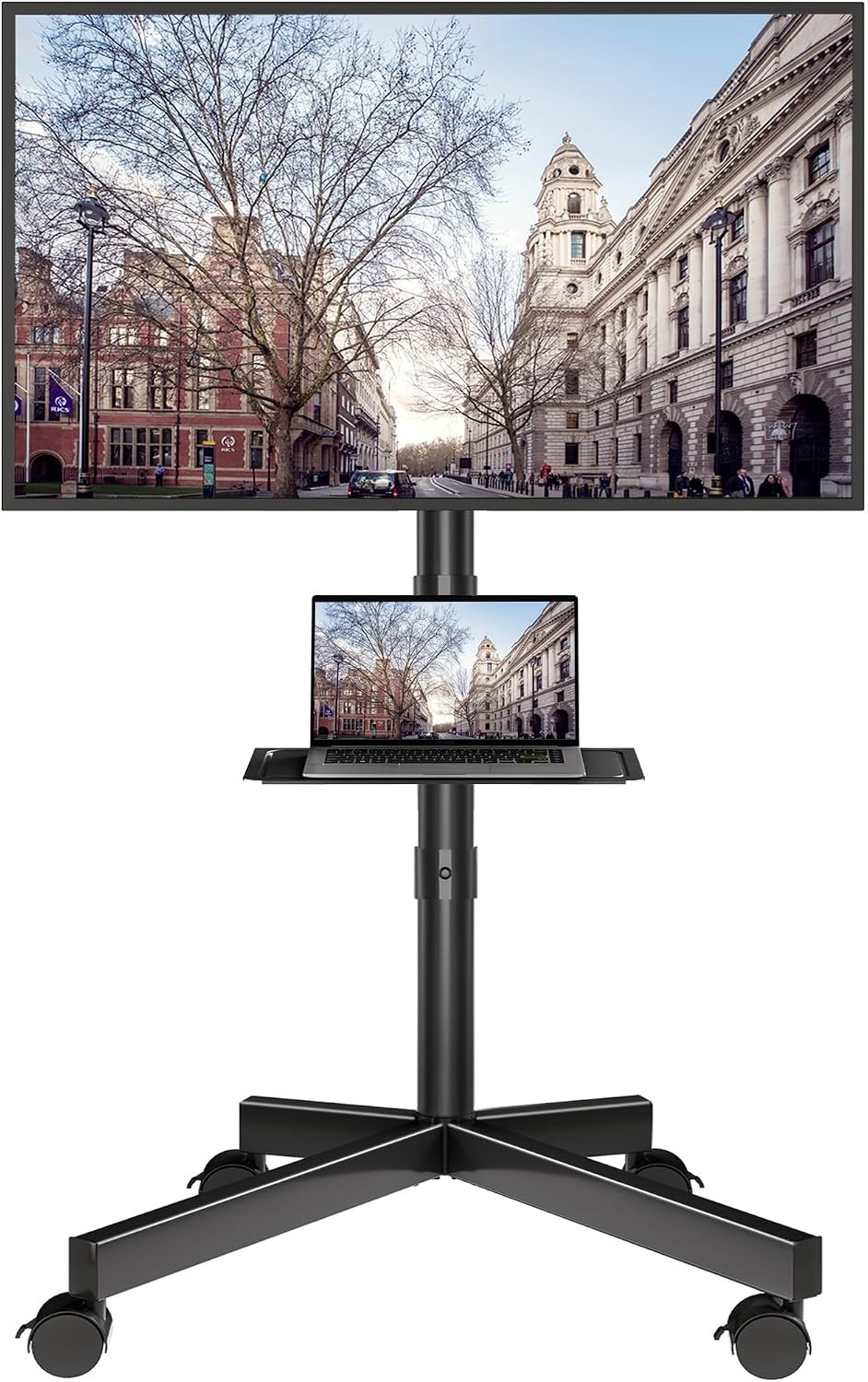
23-65 in TV88 lbsShelf: YesTilt: Yes, up to 10°Lockable wheels: Yes
Best for: Bedrooms, home offices and classrooms with TVs up to 65 inches
This is the cart we point most people to first. The listing describes four 360-degree lockable casters, a tilt of up to 10 degrees, an adjustable media shelf and VESA patterns up to 400x400 mm, with a load rating of 88 lbs. That covers nearly every 55 and 65 inch TV sold today.
Why it is a good pick
- Tilt up to 10 degrees to reduce glare
- Lockable casters
- Adjustable media shelf for a console or streaming box
- Cable management on the pole
Trade-offs
- 88 lb limit is too low for some older, heavy 65 inch sets
- Needs assembly with a few tools

Top pick vs. best alternative
The BONTEC cart is our starting point for most people. The PERLESMITH 99 lb cart is the closest alternative. They cover the same 23 to 65 inch range and both have tilt, a shelf and lockable wheels.
| BONTEC with Tilt | PERLESMITH with Shelf | |
|---|---|---|
| TV size | 23-65 in | 23-65 in |
| Weight rating | 88 lbs | 99 lbs |
| Tilt | Up to 10° | Yes |
| Shelf | Adjustable media shelf | Height-adjustable shelf |
| Choose it if | You want the most common, well-reviewed 65 inch cart | You want a little more weight margin |
PERLESMITH Rolling TV Stand with Shelf Review
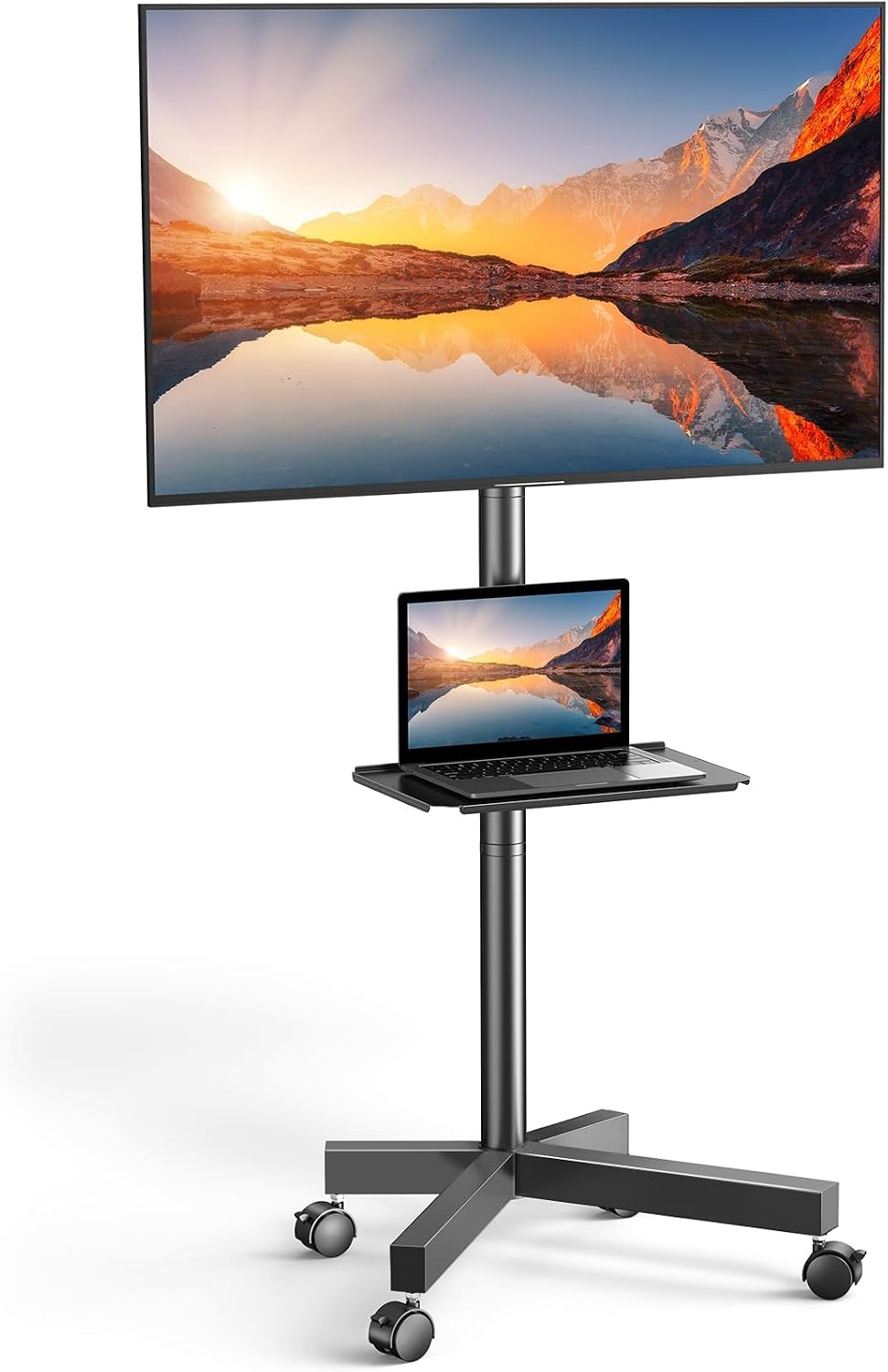
23-65 in TV99 lbsShelf: YesTilt: YesLockable wheels: Yes
Best for: Families who want a bit more weight margin on a 55 to 65 inch TV
PERLESMITH lists this model for 23 to 65 inch TVs at up to 99 lbs, with tilt, an adjustable-height shelf and lockable wheels. The mount plate supports VESA patterns from 100x100 mm, so small monitors and mid-size TVs both fit.
Why it is a good pick
- 99 lb rating is higher than most carts of this size
- Height-adjustable shelf
- Tilt function
- Lockable wheels
Trade-offs
- Not rated for 70 inch and larger screens
- Check your TV VESA pattern before ordering
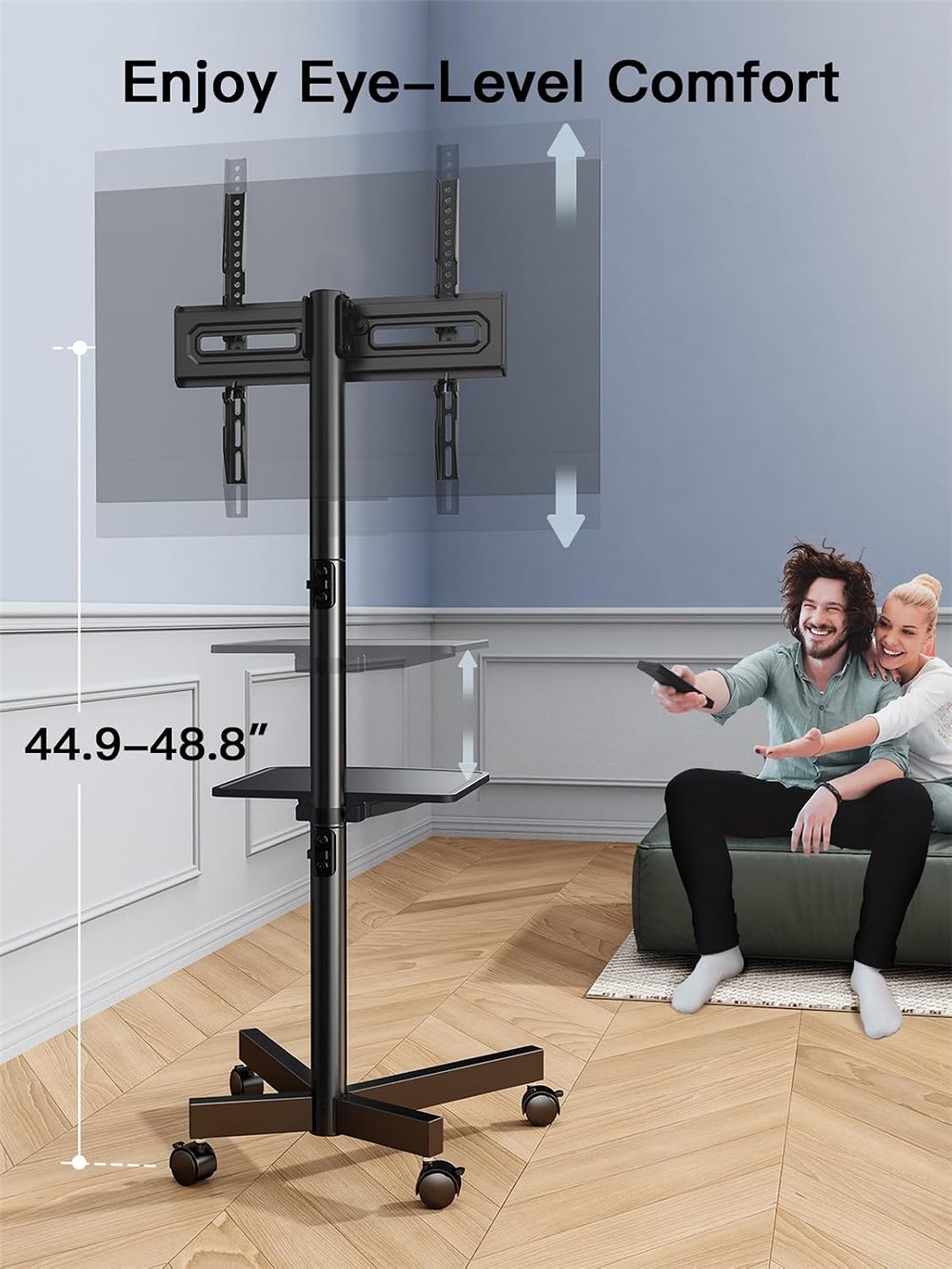
Perlegear Rolling TV Stand (32-84 in) Review
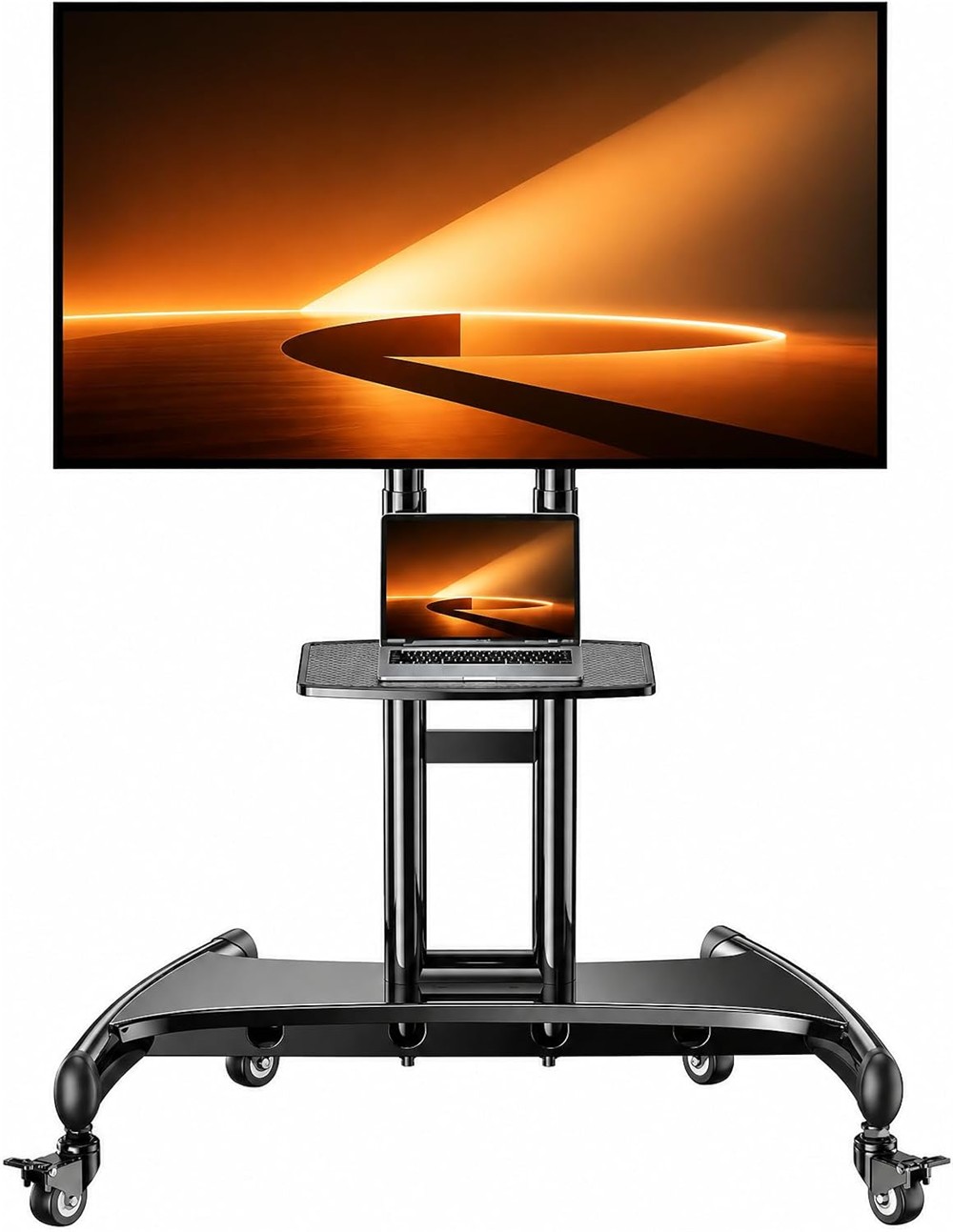
32-84 in TV120 lbsShelf: YesTilt: Not listedLockable wheels: Yes
Best for: 70 to 84 inch TVs, living rooms and meeting rooms
Perlegear positions this cart for 32 to 84 inch screens at up to 120 lbs, with an adjustable height and a shelf. That range covers the large TVs where cheaper carts run out of capacity.
Why it is a good pick
- 120 lb rating
- Handles screens up to 84 inches
- Adjustable height and shelf
Trade-offs
- Tilt is not mentioned in the listing
- A larger base needs more floor space
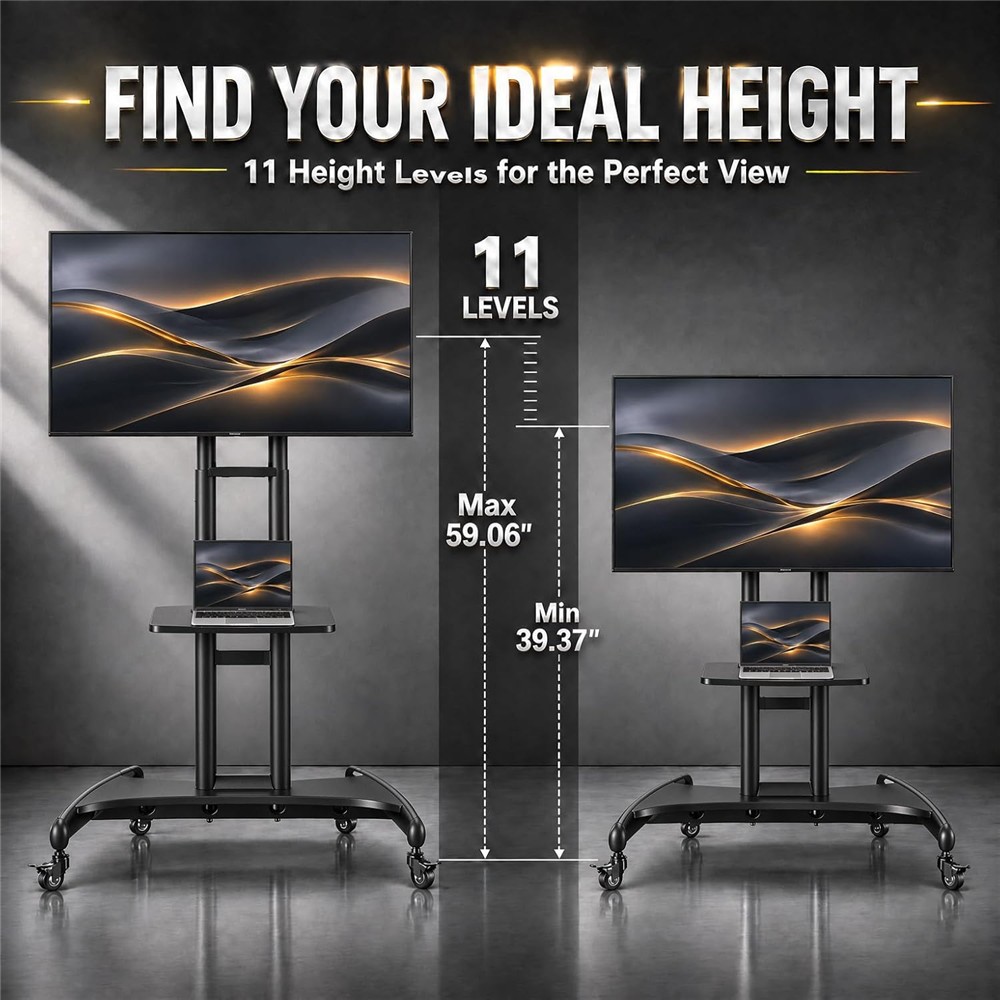
PERLESMITH Rolling TV Stand (32-83 in) Review
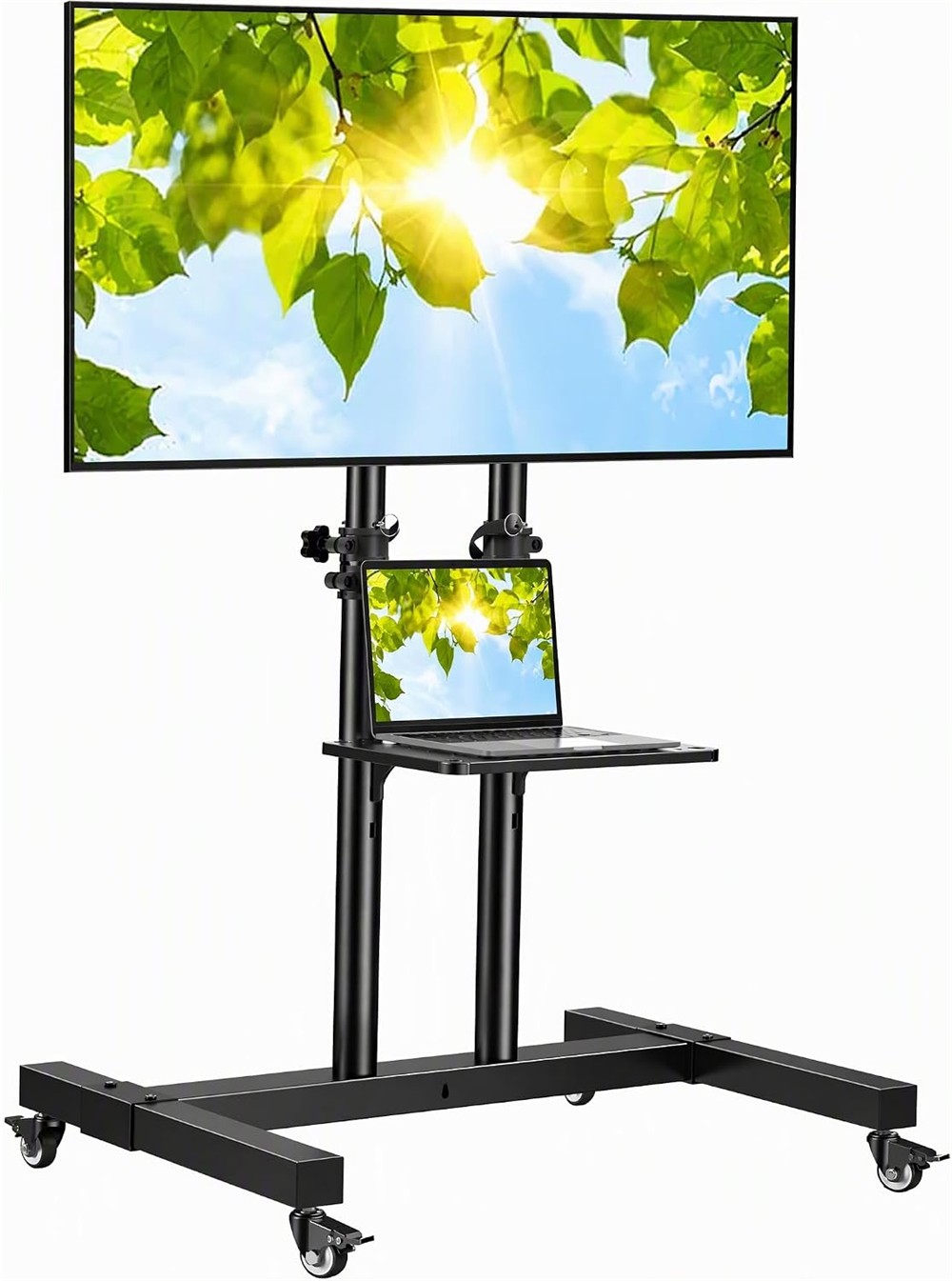
32-83 in TV110 lbsShelf: YesTilt: YesLockable wheels: Yes
Best for: 65 to 75 inch TVs that need tilt and a shelf
This version steps up to 83 inch screens and 110 lbs. The listing mentions seven height levels, tilt, a shelf and lockable wheels, which is a good mix for a 75 inch TV that has to move between rooms.
Why it is a good pick
- 110 lb rating
- Seven height levels
- Tilt and lockable wheels
- Shelf included
Trade-offs
- Takes longer to assemble than the small carts
- Wide base on bigger TVs

VIVO Mobile TV Cart with Laptop/DVD Shelf Review
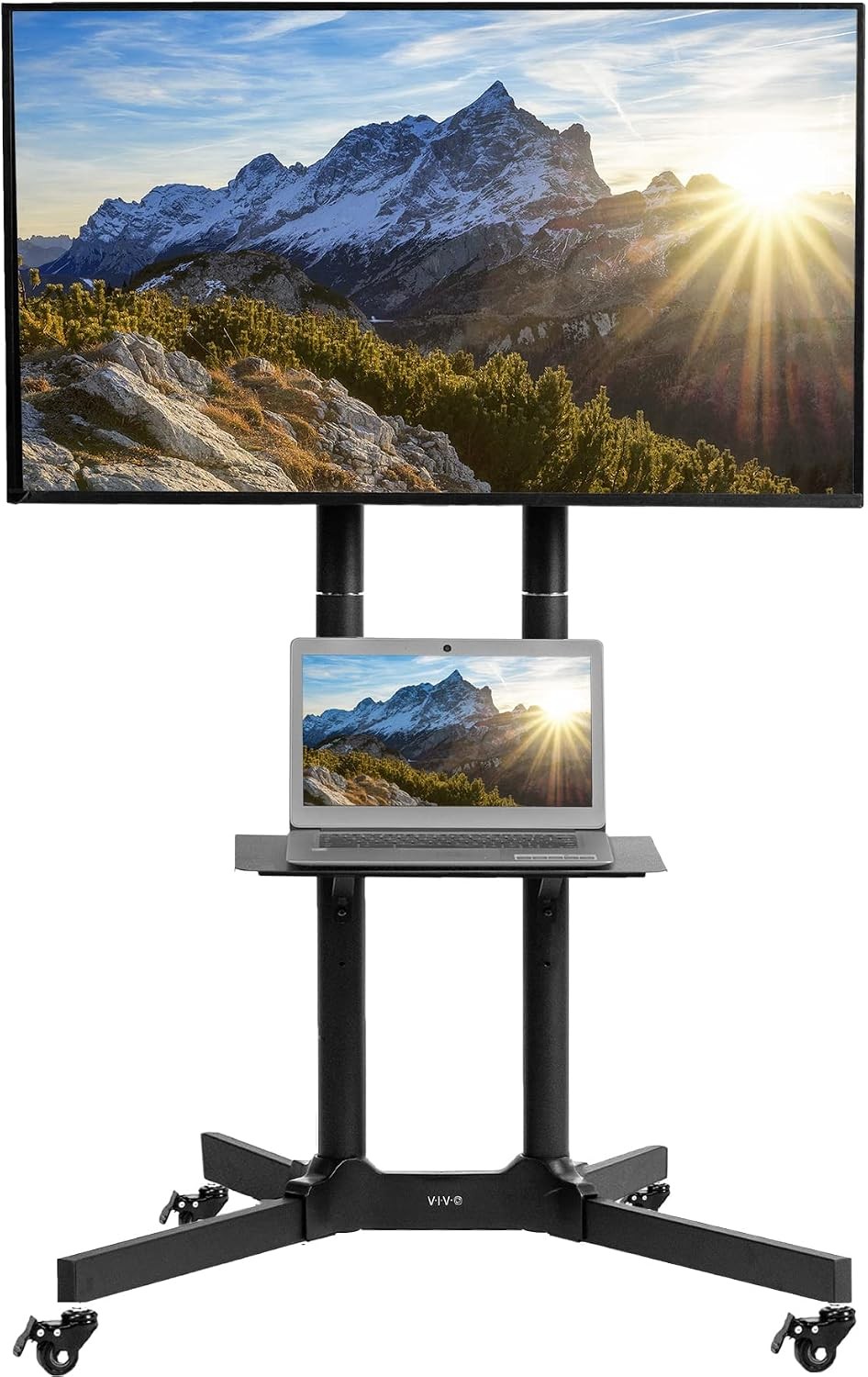
32-83 in TV110 lbsShelf: Yes (laptop/DVD)Tilt: YesLockable wheels: Yes
Best for: Classrooms, offices and presentations where a laptop sits under the screen
VIVO is a long-running name in AV carts. This one is listed for 32 to 83 inch screens at 110 lbs, with a laptop and DVD shelf, tilt and locking wheels. The mount supports VESA patterns from 75x75 mm, which helps with small TVs.
Why it is a good pick
- Shelf sized for a laptop or DVD player
- 110 lb rating
- Mount works with small VESA patterns from 75x75 mm
- Lockable wheels
Trade-offs
- Looks more like office equipment than furniture
- Large base
Heavy-Duty Rolling TV Stand (32-85 in) Review
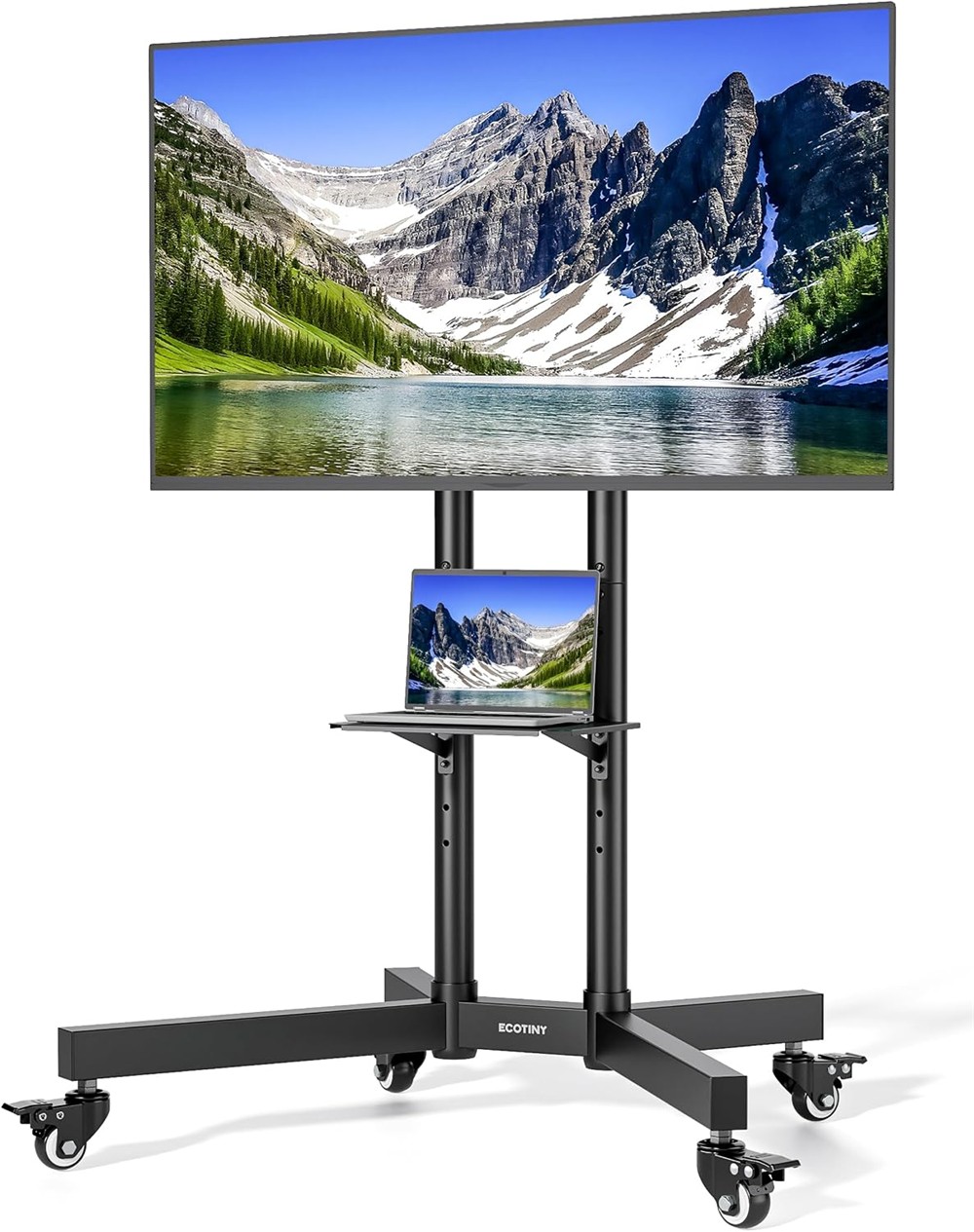
32-85 in TVup to 187 lbs (see listing)Shelf: YesTilt: See listingLockable wheels: Yes
Best for: Very large or heavy TVs, commercial and shared spaces
The listing title promises up to 187 lbs, which is far above the 88 to 120 lb rating of most carts. The bullet points elsewhere on the page mention a lower figure, so check the exact capacity on the product page before you buy.
Why it is a good pick
- Highest capacity in this roundup
- Supports 85 inch screens
- Shelf and lockable wheels
Trade-offs
- Fewer customer reviews than older models
- Check the capacity figure on the listing

Perlegear Rolling TV Stand (32-85 in, 154 lbs) Review
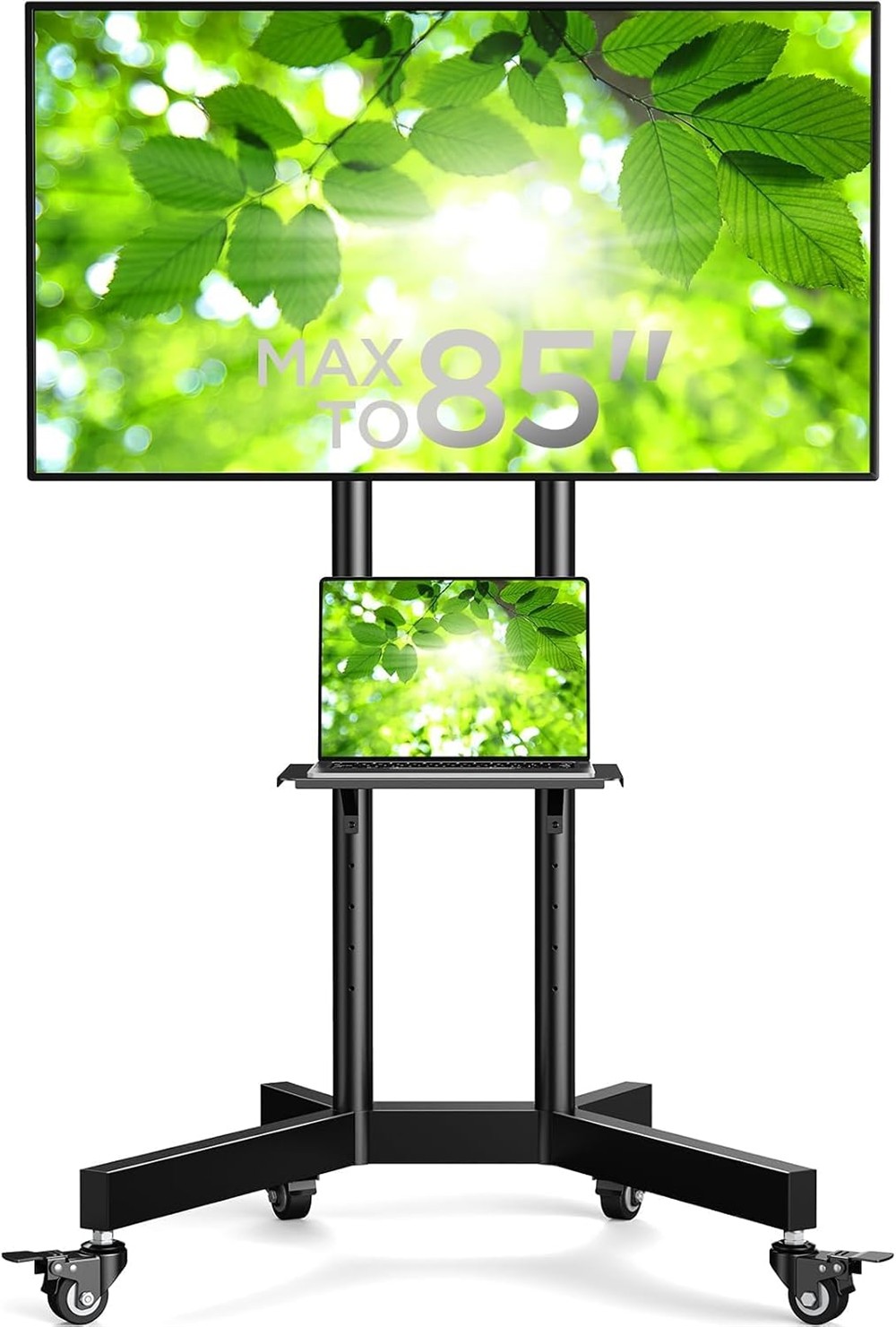
32-85 in TV154 lbsShelf: YesTilt: See listingLockable wheels: Yes
Best for: 75 to 85 inch TVs and anyone who wants a heavy-duty rating
Perlegear lists this cart for 32 to 85 inch screens at up to 154 lbs. It is the best-documented heavy-duty option in this roundup.
Why it is a good pick
- 154 lb rating
- Supports 85 inch TVs
- Shelf and lockable wheels
Trade-offs
- Large and heavy, so it is harder to move
- Takes longer to assemble
BONTEC Heavy Duty Rolling TV Stand (32-75 in) Review
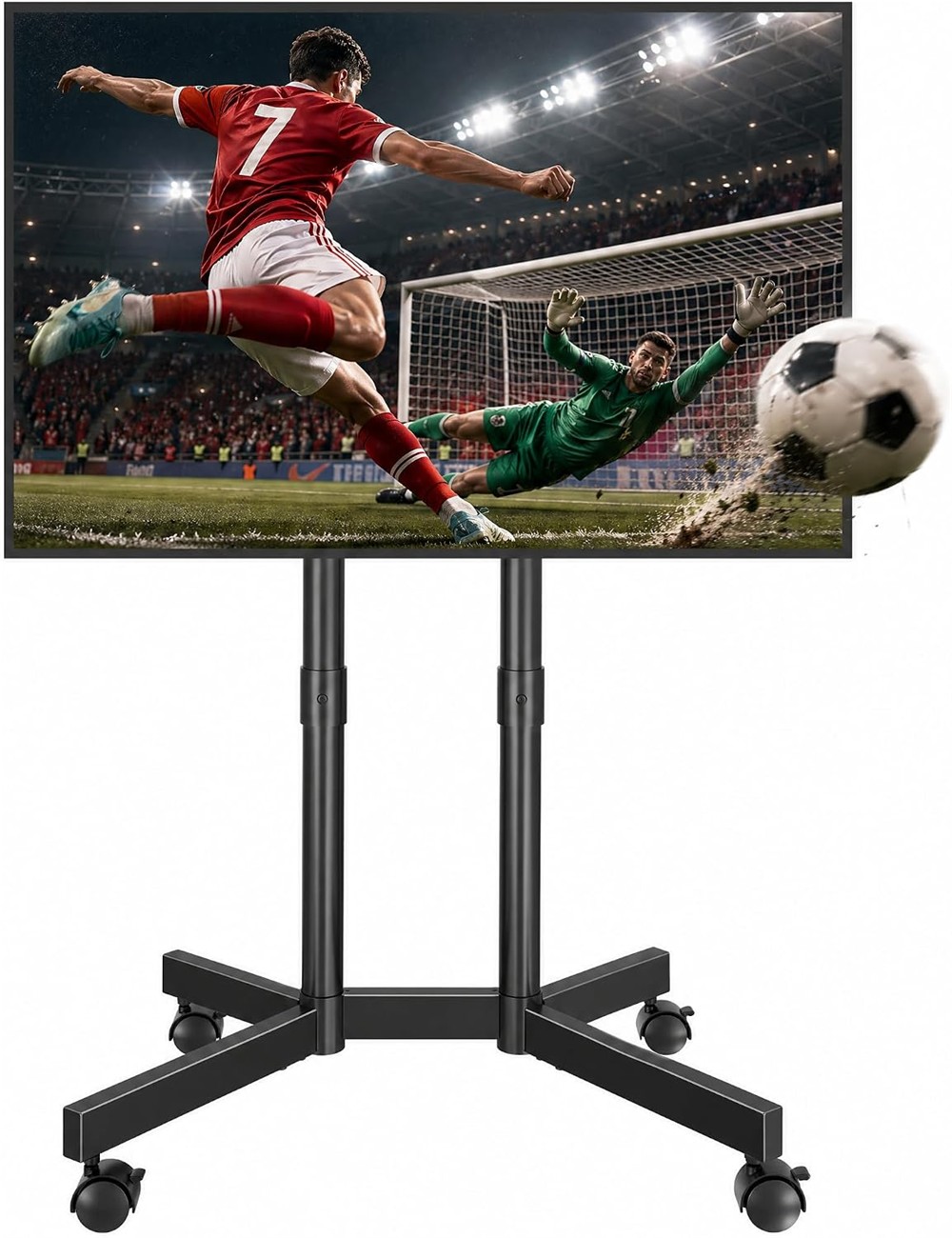
32-75 in TVheavy duty (see listing)Shelf: See listingTilt: See listingLockable wheels: Yes
Best for: 65 to 75 inch TVs in homes that need a sturdier base
BONTEC markets this cart as heavy duty for 32 to 75 inch TVs. Read the capacity and shelf details on the page, because they differ between versions.
Why it is a good pick
- Built for 75 inch TVs
- Black finish matches most TVs
- Lockable wheels
Trade-offs
- Specs vary by version, so read the listing
- Newer product, fewer long-term reviews
Which one should you choose?
- Choose the BONTEC cart if your TV is 65 inches or smaller and you want tilt and a shelf.
- Choose the PERLESMITH 99 lb cart if you want a bit more weight margin for a 55 to 65 inch TV.
- Choose the Perlegear 32-84 inch cart if your TV is 70 inches or larger and not extremely heavy.
- Choose the PERLESMITH 32-83 inch cart if you want tilt and height levels on a 75 inch TV.
- Choose the VIVO cart if you need a deep shelf for a laptop or DVD player.
- Choose a heavy-duty cart if your TV is 80 inches or more, or weighs over 100 lbs.
How we picked these carts
We started with the rolling TV stands that Amazon shoppers buy most in the United States, then filtered for carts with a clear size range, a stated weight limit and lockable wheels. We then grouped them by TV size so that each size has a sensible option.
We have not tested these carts in person. The details above come from the manufacturer listings, so confirm the numbers on the product page. Read our full methodology. For help with the technical terms, see how to choose a rolling TV stand.
- Size range: must cover mainstream TVs from 32 to 85 inches.
- Weight rating: shown in the listing, with the highest figure used only when it is clear.
- Wheels: lockable casters preferred.
- Extras: shelf, tilt and height adjustment.
Looking for something specific?
Try rolling TV stands with a mount, heavy-duty carts or stands by TV size. Outside the US: Amazon.ca or Amazon.co.uk.
FAQ
What is the best rolling TV stand overall?
For most 55 to 65 inch TVs, the BONTEC cart with tilt and a shelf is the most balanced choice. If your TV is bigger than 70 inches, choose the Perlegear 32-84 inch model or a heavy-duty cart.
Which rolling TV stand has the highest weight limit?
In this roundup the heavy-duty 32-85 inch cart lists up to 187 lbs in its title, and the Perlegear 154 lb model is the best documented. Always confirm the exact figure on the product page.
Do rolling TV stands tip over?
A cart with a wide base, locked wheels and a TV within its weight limit is stable. Tipping happens when the TV is too heavy, the pole is raised too high or the cart is pushed over a threshold. Keep the center of gravity low.
Do I need to wall mount a TV on a rolling stand?
No. You attach the TV to the cart mount plate, which uses the same VESA holes as a wall mount. No wall drilling is needed.
Related guides
- Rolling TV Stand with Mount: What to Check
- Heavy Duty Rolling TV Stand: Best Carts for Large TVs
- Rolling TV Stand for 55, 65, 75 and 85 Inch TVs
- Rolling TV Stand with Shelf: Picks and Buying Tips
Read how we pick products on the How we evaluate page.